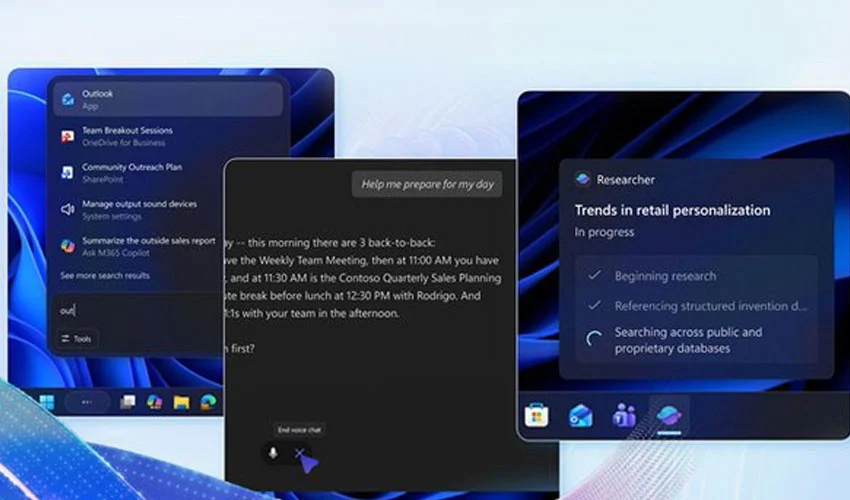
Microsoft is reshaping the way Windows 11 users interact with their desktops. At its Ignite 2025 event, the company unveiled a major upgrade that turns the taskbar into a new home for AI agents, transforming it from a simple app launcher into an intelligent command zone.
Microsoft announced that AI agents, including Microsoft 365 Copilot and supported third-party tools, will be embedded directly into the taskbar as part of a new system-wide upgrade.
These AI agents will appear as normal taskbar icons but will run tasks in the background and display real-time status updates. Hovering over these icons will show progress, actions being taken, and other insights — letting users manage AI activity without opening additional windows.

The “Ask Copilot” search box is also getting a significant upgrade. Users will be able to launch agents simply by typing “@” or selecting new command buttons, making interactions more fluid and conversational.
How the new AI system works
Microsoft is introducing a Model Context Protocol (MCP), a standardized framework that lets AI agents discover system tools, interact with apps, and even collaborate with other agents. This ensures that background tasks such as file processing, automation, or summarization run smoothly across the system.
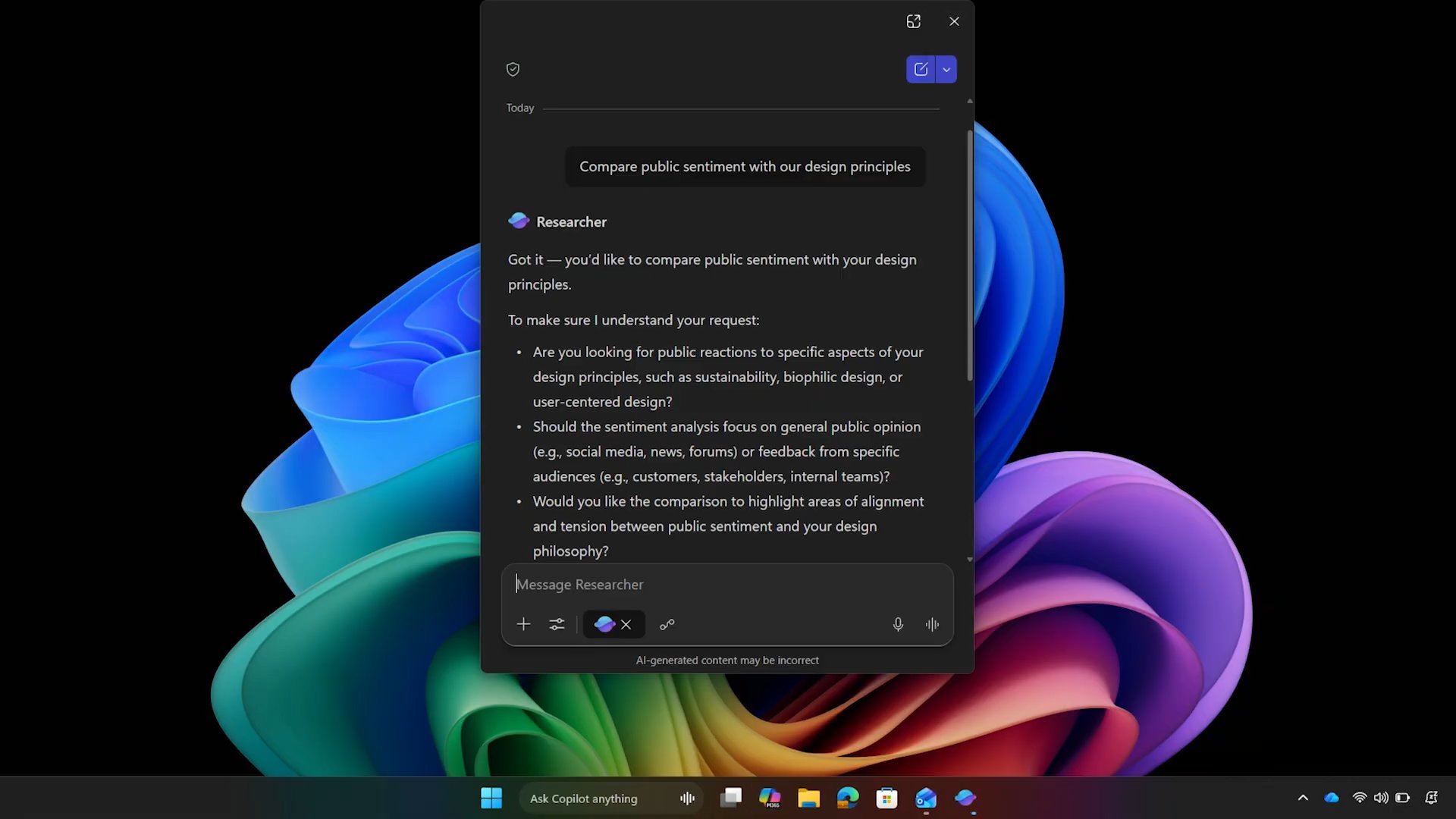
To address privacy and system safety, AI tasks will run inside a new agentic workspace — a sandbox designed to isolate AI activity.
This means agents can access files and applications only within controlled boundaries, preventing system-wide risk and maintaining stability.
Why this update matters
Microsoft’s new approach positions Windows not just as an operating system, but as a platform for real-time AI assistance.
The shift could redefine how users interact with their computers:
Less app launching, more direct AI instructions
Background workflows (like file conversion or content summarization) become visible and easy to manage
Productivity increases through fewer context switches
Creative users gain faster, automated workflows
But it also raises questions around privacy, monitoring, and user control
For millions of users who prefer traditional UI layouts, understanding how these agents work — and how to manage or disable them — will become increasingly important.
Why users should pay attention
Whether using Windows 11 for work, gaming, or daily tasks, this update could change everyday experiences:
Routine tasks can be delegated to AI agents from the taskbar
Complex workflows can run in the background with real-time updates
Privacy-focused users may want to review agent permissions
Early adopters could see significant productivity boosts
Those who prefer a minimal interface may need to adjust settings to maintain control