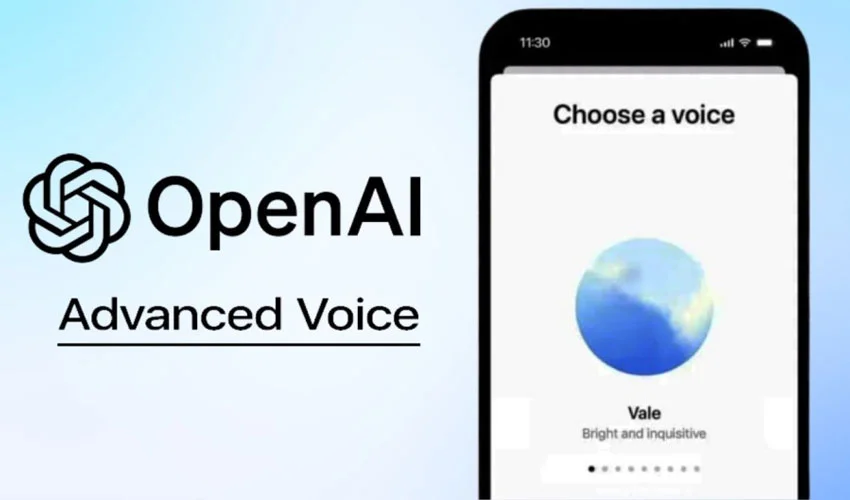
OpenAI has rolled out a significant upgrade to ChatGPT’s mobile app, allowing users to access Voice Mode directly inside the main chat instead of switching to a separate listening interface.
The update is now available on both Android and iOS. Previously, tapping the waveform icon would move users to a dedicated Voice Mode screen. ChatGPT would listen to the prompt, generate a reply, and speak it aloud — all outside the main chat window.
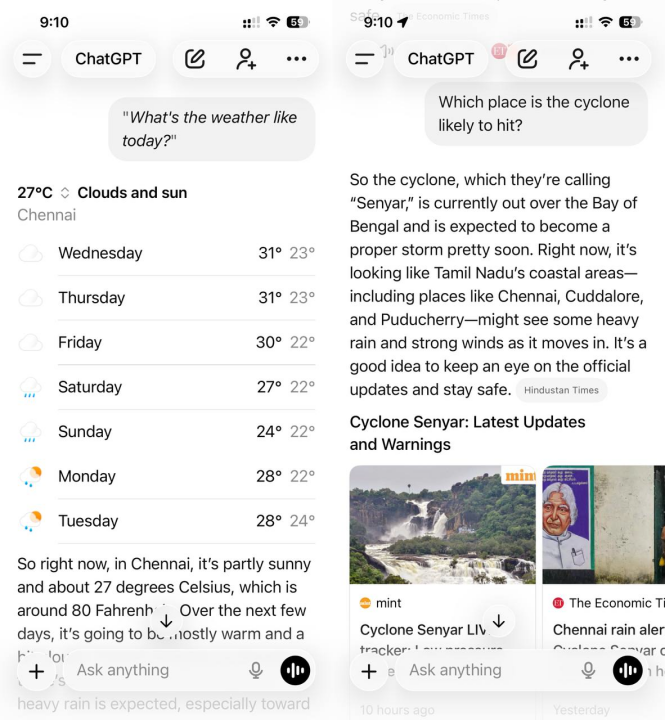
With the new update, the workflow has been streamlined. Now, tapping the waveform button keeps everything inside the current chat, where users can see a live transcript of ChatGPT’s spoken response. This makes it easier to scroll up, review earlier messages, and maintain context.
OpenAI says the new layout also supports visuals, including images, maps, web pages, and more, directly alongside voice replies.
Switching between text and voice is seamless
Users can type messages at any point during the conversation. However, as long as Voice Mode is active, ChatGPT will continue responding using voice, even to typed prompts.
Ending voice output is simple — just tap the End button. Early testers noted that spoken input appears inside quotes, while typed messages remain unquoted, allowing users to see both forms clearly in one thread.
Available now — With optional settings
ChatGPT’s in-chat Voice Mode is enabled by default after updating the app.
Users who prefer the old interface can revert by going to:
Settings > Voice Mode > Separate Mode
The feature is currently available on the ChatGPT mobile app, but OpenAI has not yet confirmed when the integrated voice interface will reach the web version, desktop apps, or the Atlas browser.